Tonearm: Record Collection
Your record collection, beautifully cataloged. Vinyl, CDs, cassettes, MiniDiscs, DVDs and Blu-rays: scan a barcode, pick the exact pressing from Discogs, and keep your whole collection in sync through iCloud.
// features
Features
Add records in seconds
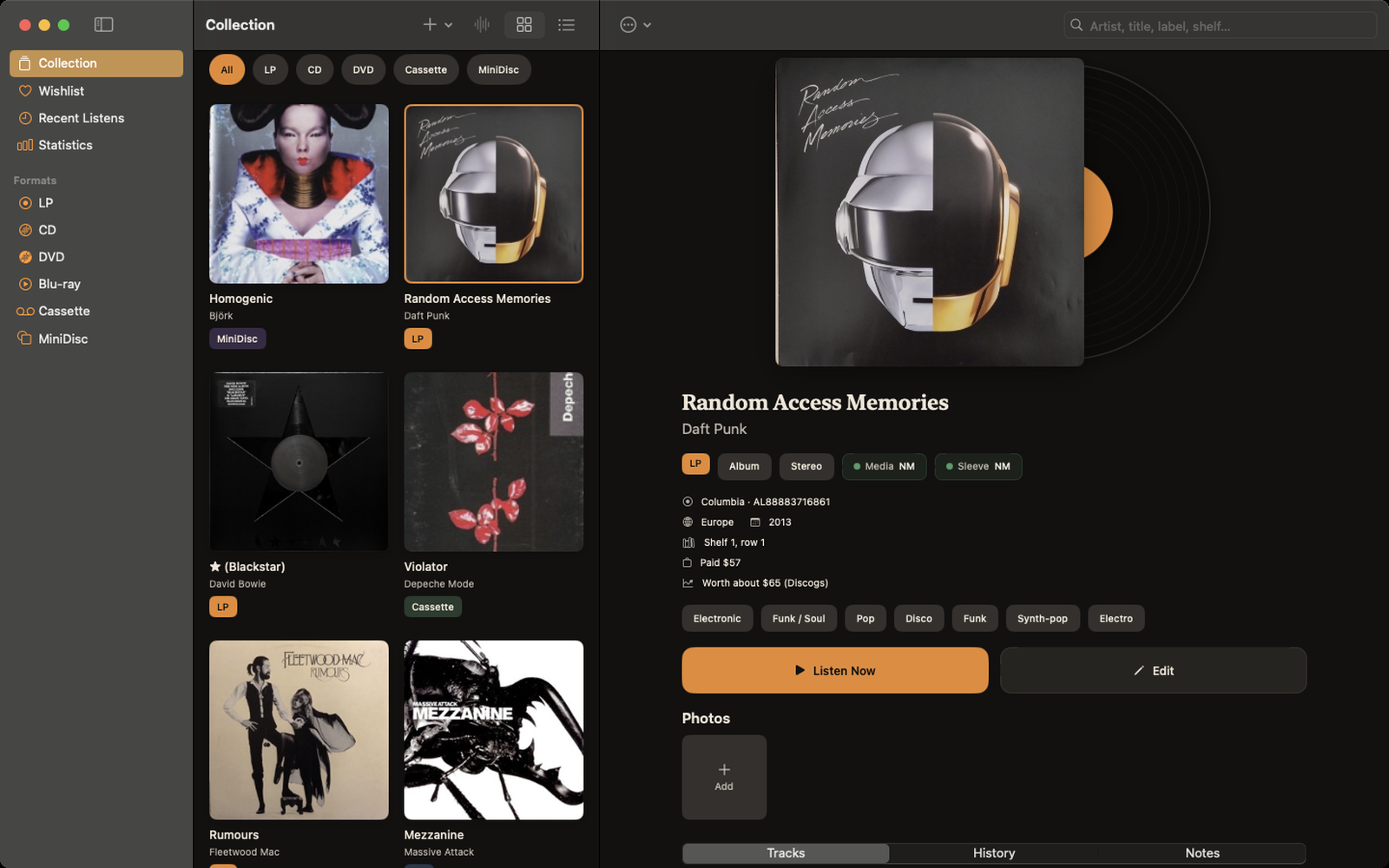
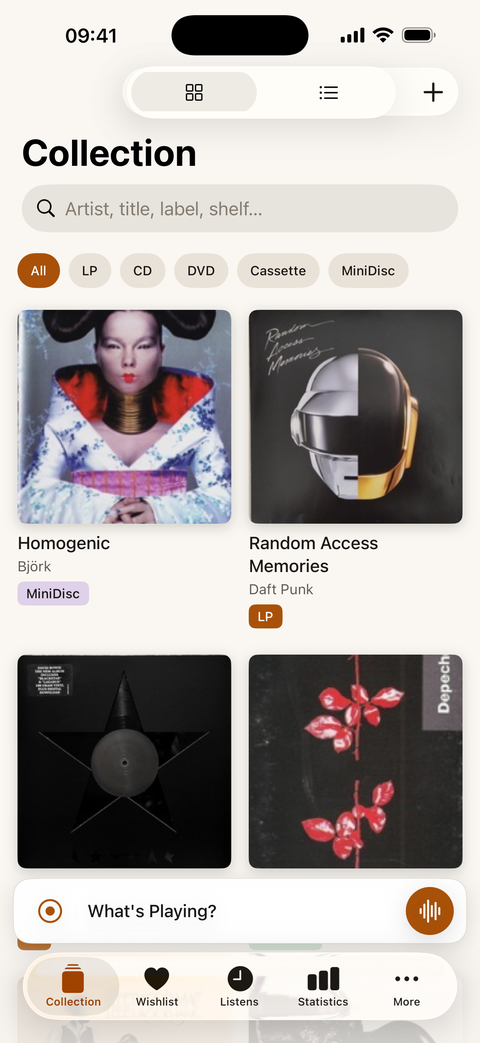
Scan a barcode, or search by artist and pick the exact release. You can also enter one by hand with a photo of the cover. An existing Discogs collection imports in one tap.
Every detail of your copy
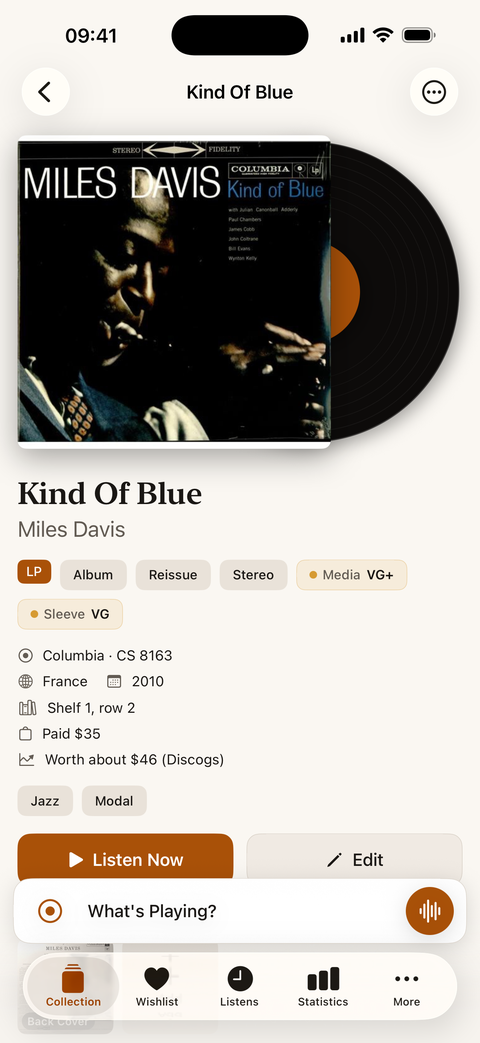
Tracklist, label, catalog number, Goldmine grading for media and sleeve, shelf location, and extra photos of labels and runouts.
What's Playing?
Put on a record and Tonearm recognizes the song with Shazam, then logs the listen.
Hunt for records
Keep a wishlist and set price alerts on Discogs marketplace offers.
Statistics
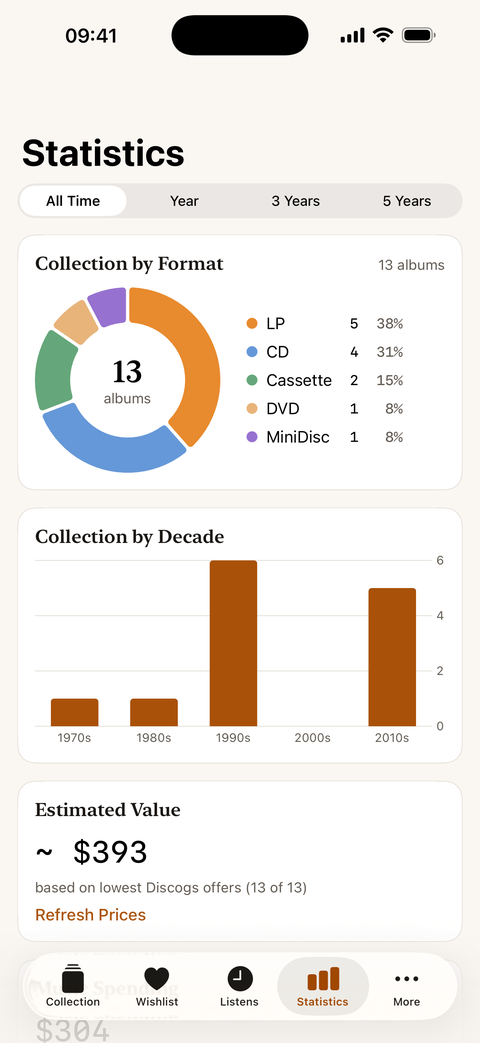
See your collection by format and decade, its estimated value, your spending, top artists and your most played albums.
Everywhere
iCloud sync, Home Screen widgets, Siri and Shortcuts, Spotlight.
Private by design
No accounts, no ads, no tracking. Back up your collection to a file or export it to CSV at any time.
// screenshots
See it in action
// faq
FAQ
Why do I need a Discogs token?
Tonearm uses the Discogs database for search, barcode lookup, import and prices. The Discogs API requires a personal access token. It's free: sign in at discogs.com, open Settings → Developers, click "Generate token", then paste it in Tonearm under More → Settings → Discogs.
Does my collection sync between devices?
Yes. It syncs through your own iCloud account when you're signed in on each device. The Discogs token is not synced, so enter it on each device.
How do I back up my collection?
Go to More → Settings → Backup. A full backup (ZIP) includes covers and photos. A CSV export opens in Numbers or Excel.
Is Tonearm affiliated with Discogs?
No. Tonearm uses the public Discogs API.
// support & legal
Tonearm is developed by XOR A BINARY RESEARCH SP Z O O. Questions, bug reports or feature ideas: info@xor-a.com · Privacy policy → · Support →